What is On-page SEO and Why Do You Need a Checklist?
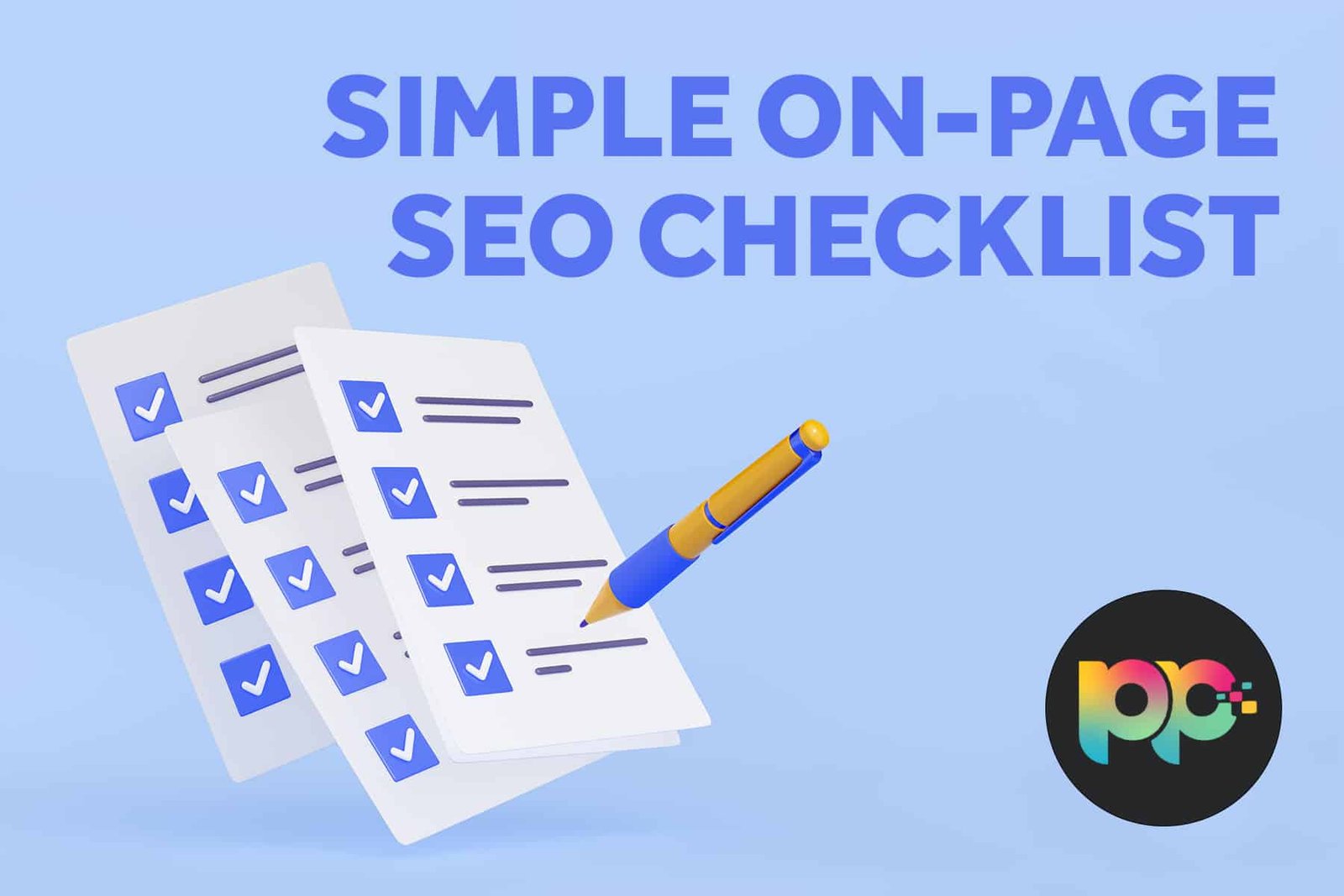
On-page SEO is everything you do on your own website to help it rank higher in Google. Think of it like getting your house ready for guests. You clean, you organize, and you make sure everything is easy to find. That’s what on-page SEO does for your web pages. It tells search engines like Google what your page is about and makes it easy for people to read and enjoy.
Without a plan, it’s easy to miss important steps. That’s why using an on-page SEO checklist is so powerful. It guides you through every task, so you don’t forget anything that could help you get more visitors. This article is your complete, step-by-step on-page SEO checklist for 2025. Follow it to make your content the best it can be.
The Core of On-Page Optimization
At its heart, on-page SEO is about two things: relevance and user experience. You want to clearly show Google your page is the best answer to a searcher’s question. You also want the person who clicks to have a great time on your page. They should find the information quickly, understand it easily, and want to stay. When you get both right, your rankings and traffic grow.
Your Ultimate On-page SEO Checklist
Here is your actionable on-page SEO checklist. Go through each section one by one for every piece of content you publish.
1. Keyword Research & Placement
Before you write a single word, you need to know what words people are searching for.
-
Find Your Main Keyword: This is the main topic of your page, like “on-page SEO checklist.” Use free tools like Google’s Keyword Planner or Ubersuggest.
-
Use Related Keywords: These are phrases that are connected to your main topic. For example, “SEO meta tags” or “optimize title tag.” Using them helps Google understand your content better.
-
Place Your Main Keyword Smartly:
-
Title Tag: Put it near the front of your page title.
-
First Paragraph: Use it naturally in the first 100 words.
-
Headings: Include it in at least one H2 or H3 subheading.
-
Throughout Content: Use it a few more times where it makes sense, but don’t force it.
-
Conclusion: Briefly use it in your closing summary.
-
2. Crafting the Perfect Title Tag (H1)
The title tag is the most important on-page SEO element. It’s the blue clickable link in Google’s results.
-
Length: Keep it under 60 characters so it doesn’t get cut off.
-
Place Keyword First: Put your main keyword as close to the beginning as possible.
-
Add a Benefit or Trigger: Include words like “Ultimate,” “Complete Guide,” “2025,” or “Easy Steps” to make people want to click.
-
Example: “The Complete On-page SEO Checklist for 2025 (Easy Steps)”
3. Writing a Compelling Meta Description
The meta description is the short text under the title in search results. It doesn’t directly help you rank, but it helps people decide to click.
-
Length: Stay under 160 characters.
-
Include Keyword: Use your main keyword naturally.
-
Describe the Benefit: Tell the searcher exactly what they will get by clicking.
-
Use Action Words: Start with verbs like “Use,” “Learn,” “Discover,” or “Get.”
-
Example: “Use this complete on-page SEO checklist to optimize your pages. Improve rankings with easy steps for titles, content, and images.”
4. Optimizing Your URL Slug
The URL is the address of your specific page. A clean URL is good for SEO and user experience.
-
Keep it Short: Use only necessary words.
-
Include Keyword: Add your main keyword to the URL.
-
Use Hyphens: Separate words with hyphens (-), not underscores (_).
-
Bad Example:
yoursite.com/page?id=123&cat=seo -
Good Example:
yoursite.com/on-page-seo-checklist
5. Creating High-Quality, Readable Content
This is where you win. Great content keeps visitors on your page and satisfies Google’s algorithms.
-
Answer the Query: Fully cover the topic. If your page is about a checklist, provide the full list.
-
Use Headings: Break text with H2 and H3 tags. This creates a clear structure for readers and search engines.
-
Improve Readability:
-
Use short paragraphs (2-3 sentences).
-
Use bullet points and numbered lists (like this one!).
-
Write at a grade 6-8 reading level. Keep sentences clear.
-
-
Add Value: Go beyond basic info. Include examples, data, or unique insights. For instance, building quality backlinks through guest posting marketplaces can amplify your on-page SEO efforts.
-
Content Length: Provide enough detail to be the best answer. For complex guides like this, 2,000+ words is often effective.
6. Image Optimization
Images make your post better, but they need to be optimized.
-
Descriptive File Names: Don’t use
IMG_1234.jpg. Use a name likeon-page-seo-checklist-infographic.jpg. -
Alt Text: Describe the image for people who can’t see it. Include your keyword if it fits naturally. Example:
Alt="Visual flowchart of an on-page SEO checklist." -
Compress Size: Use tools to make image files smaller so your page loads fast.
7. Internal and External Linking
Links help Google discover your site’s structure and show you are connected to good resources.
-
Internal Links: Link to other relevant pages on your own site. This keeps visitors engaged. For example, if you mention building authority, you could link to a guide on the top guest posting marketplaces.
-
External Links: Link to high-quality, authoritative websites. This shows you’ve done your research. For example, link to a Google study on page speed.
8. Technical On-page Elements
These behind-the-scenes details are crucial.
-
Mobile-Friendly: Your page must work perfectly on phones. Use Google’s Mobile-Friendly Test tool.
-
Page Speed: A fast page improves user experience and SEO. Use tools like Google PageSpeed Insights.
-
Schema Markup: This is code that helps Google understand your content better. It can make your result look richer with stars, FAQs, or event details.
Advanced Tips for Your On-page SEO Checklist
Once you’ve mastered the basics, consider these advanced tactics:
-
Update Old Content: Go back to old posts and update them with new information. This tells Google your content is fresh and relevant.
-
Optimize for “People Also Ask”: Look at the questions in Google’s “People Also Ask” boxes for your keyword. Answer them in your content using H3 headings.
-
Use Topic Clusters: Instead of just one page on a topic, create a “pillar” page (a main guide) and link it to “cluster” pages (more specific articles). This builds topical authority.
Conclusion: Put Your On-page SEO Checklist to Work
A great on-page SEO checklist is your roadmap to higher rankings. It moves you from guessing to having a clear, proven plan. By focusing on keyword placement, stellar content, user experience, and technical details, you send strong signals to Google that your page is a top-quality result.
Remember, on-page SEO is the foundation. It’s what you fully control. Once your pages are optimized, you can build on that success with other strategies, like finding link placement opportunities on reputable sites to increase your authority. But it all starts with perfecting your own website.
What’s the first step on this checklist you’ll tackle for your website?
References & Further Learning
-
Google Search Central Documentation (formerly Google Webmasters) – The official source for SEO guidelines.
-
PageSpeed Insights – Free tool by Google to test and improve page speed.
-
RankNewly’s Guide to Guest Posting – Learn how to build authority through quality backlinks, which complements strong on-page SEO.